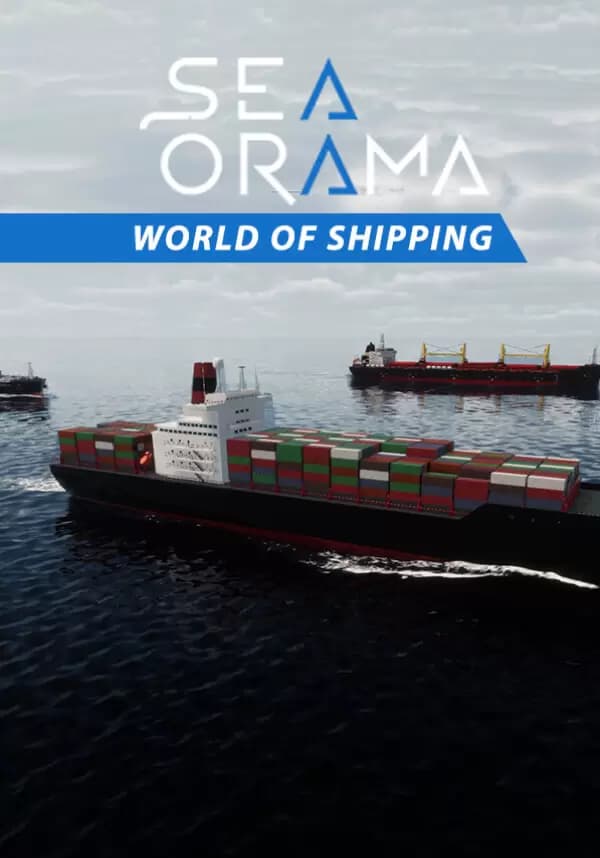
SeaOrama: World of Shipping
А со СберПрайм можно получить 7 Подключить


In Seaorama: World of Shipping, you'll have access to a fleet of over 17 types of ships and 90 port locations. But getting goods from one port to another is just the beginning…
Start Your Own Shipping Company
Embark on a thrilling entrepreneurial journey as you establish and nurture your very own shipping company in Seaorama: World of Shipping. Begin with a single vessel and transform it into a maritime empire. Strategize, invest wisely, and watch your company grow from humble beginnings to a dominant force in the global trade arena.
Plan Trade Routes Between 90 Port Locations
Create your own trade routes across an expansive world map featuring 90 port locations. Each destination offers unique challenges and opportunities. Analyze market trends, factor in geopolitical events, and master the art of logistics to optimize your routes for maximum profitability and efficiency.
Manage Your Ships & Contracts
Take control of a versatile fleet comprising 17 types of vessels. From cargo vessels to container ships, ensure that your fleet is well-maintained and equipped. Strike lucrative contracts with clients and meticulously oversee every aspect of your shipping operations. Adapt to unforeseen challenges and keep your cargo moving, no matter what obstacles arise.
And Rise as the Shipping Industry's Next Kingpin!
Вы получите на электронную почту ключ для активации в сервисе Steam. Активируйте его одним из этих способов.
Способ 1: Через приложение Steam на ПК
1. Откройте приложение Steam на своем компьютере.
В левом верхнем меню нажмите на раздел «Игры».
В выпадающем списке выберите пункт «Активировать в Steam...».
Введите полученный код активации и нажмите «Далее».
Следуйте подсказкам на экране, чтобы завершить активацию.
Всё готово! Игра появится в вашей Библиотеке, и вы сможете начать установку.
Способ 2: Через сайт Steam в браузере
Этот способ удобен, если вы совершили покупку с телефона или другого устройства.
1. Перейдите на страницу активации Steam в своем браузере:
https://store.steampowered.com/account/registerkey
Убедитесь, что вы авторизованы в своем аккаунте Steam.
Введите полученный код активации в специальное поле.
Поставьте галочку, чтобы принять «Соглашение подписчика Steam».
Нажмите кнопку «Продолжить».
Готово! Игра будет привязана к вашему аккаунту и появится в Библиотеке, когда вы в следующий раз запустите клиент Steam.
Важно: Код активируется на том аккаунте Steam, в который вы его ввели. Перенести игру на другой аккаунт будет невозможно.