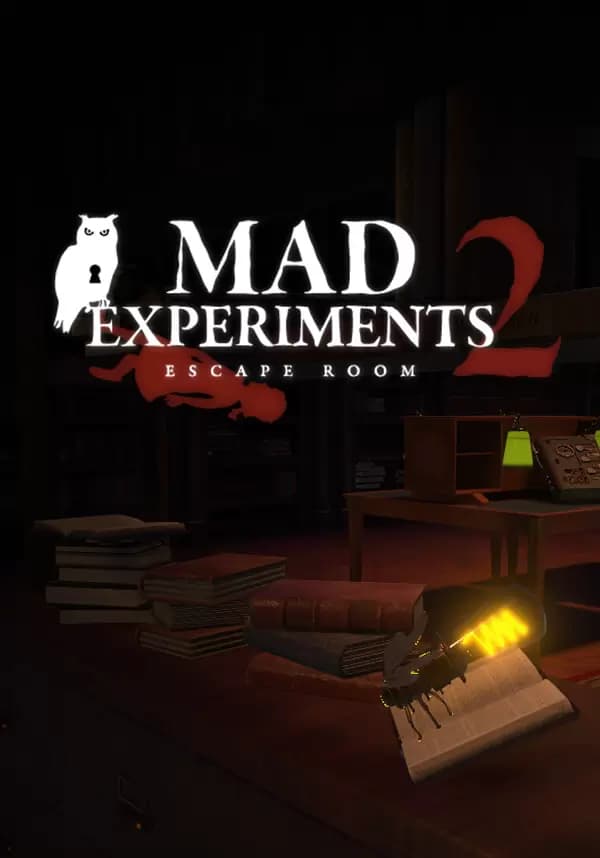
Mad Experiments 2: Escape Room


Play alone or in a team of up to 6 players! In first-person view, explore and gather clues that will help you to solve the puzzles of the room. As you solve puzzles, you unravel story bits and gets closer from the exit.
Challenge yourself with the 60-min time limit, or take your time and play in Relax mode with unlimited time!
FIND CLUES AND UNRAVEL A DARK STORY

The game is the sequel of Mad Experiments 1: Escape Room, released in 2020. In this new game, you will explore the last chapters of the story of Professor Cheshire. Inspired by real escape rooms, 1 to 6 players are trapped by the Professor in his Institute. He uses this place and his subjects to experiment on their brains and minds, in order to find a cure for his sick daughter, Hildegarde. In his quest to save her, he loses his sanity and transform the Institute into a prison lab. Players will live through the memories of one of his patient and travel in 4 rooms to unravel the secrets of the Cheshire Institute.
Interact and examine with dozens of objects to uncover the secrets of the rooms and understand why the Professor does all this.
Prologue: The Office of the Professor Cheshire
Explore the office of Professor Cheshire and use his experimental equipment to escape!
Chapter 1: The Library
Locked in the Cheshire Institute, Hildegarde used to go to the library to get more knowledge about the world. She discovered unique secrets and met an intriguing crow automaton
Chapter 2: The Greenhouse
The Professor makes his poisons and medicinal drugs from plants' extracts in the Victorian greenhouse of the Institute. You will manipulate gas, poisons and plants to escape this dangerous place!
Chapter 3: The Train
This train brings everyone in and out of the Institute. In the last wagon, there is a distillery that will allow you to make a poison that could end Cheshire's life and stop his experiments for good!
Вы получите на электронную почту ключ для активации в сервисе Steam. Активируйте его одним из этих способов.
Способ 1: Через приложение Steam на ПК
1. Откройте приложение Steam на своем компьютере.
В левом верхнем меню нажмите на раздел «Игры».
В выпадающем списке выберите пункт «Активировать в Steam...».
Введите полученный код активации и нажмите «Далее».
Следуйте подсказкам на экране, чтобы завершить активацию.
Всё готово! Игра появится в вашей Библиотеке, и вы сможете начать установку.
Способ 2: Через сайт Steam в браузере
Этот способ удобен, если вы совершили покупку с телефона или другого устройства.
1. Перейдите на страницу активации Steam в своем браузере:
https://store.steampowered.com/account/registerkey
Убедитесь, что вы авторизованы в своем аккаунте Steam.
Введите полученный код активации в специальное поле.
Поставьте галочку, чтобы принять «Соглашение подписчика Steam».
Нажмите кнопку «Продолжить».
Готово! Игра будет привязана к вашему аккаунту и появится в Библиотеке, когда вы в следующий раз запустите клиент Steam.
Важно: Код активируется на том аккаунте Steam, в который вы его ввели. Перенести игру на другой аккаунт будет невозможно.