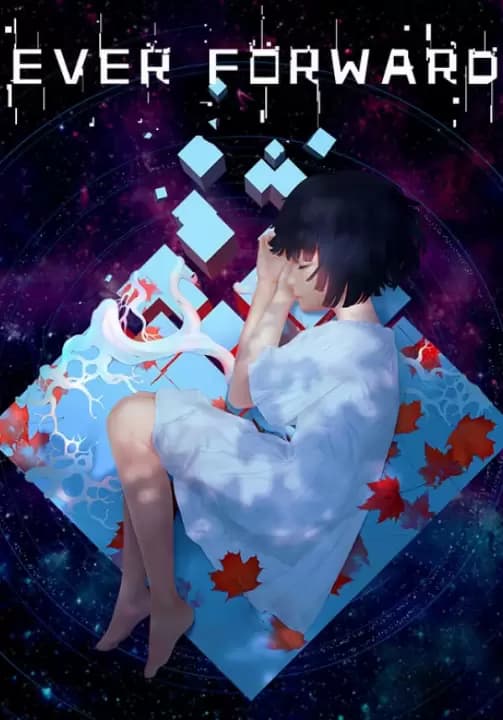
Ever Forward
А со СберПрайм можно получить 14 Подключить


Ever Forward is an adventure puzzle game — it is the story of Maya. Maya is lost in a strange world somewhere between reality and imagination. She is alone to confront her despair on her journey of discovery, where she must unlock her memories and confront her fears to unravel the secrets of the world. Players will need to use their observational skills and intelligence to solve multiple puzzles to piece together the mystery of Maya's past and what dark secrets she has buried.

Key Features
- Puzzles
For more than three years, our designers racked their brains, designing puzzles with the "puzzle gamer" in mind. Players will feel deeply challenged and motivated to solve each puzzle, and some puzzles have multiple ways of being completed to fit different kinds of thinkers and logical processes.
- The Art
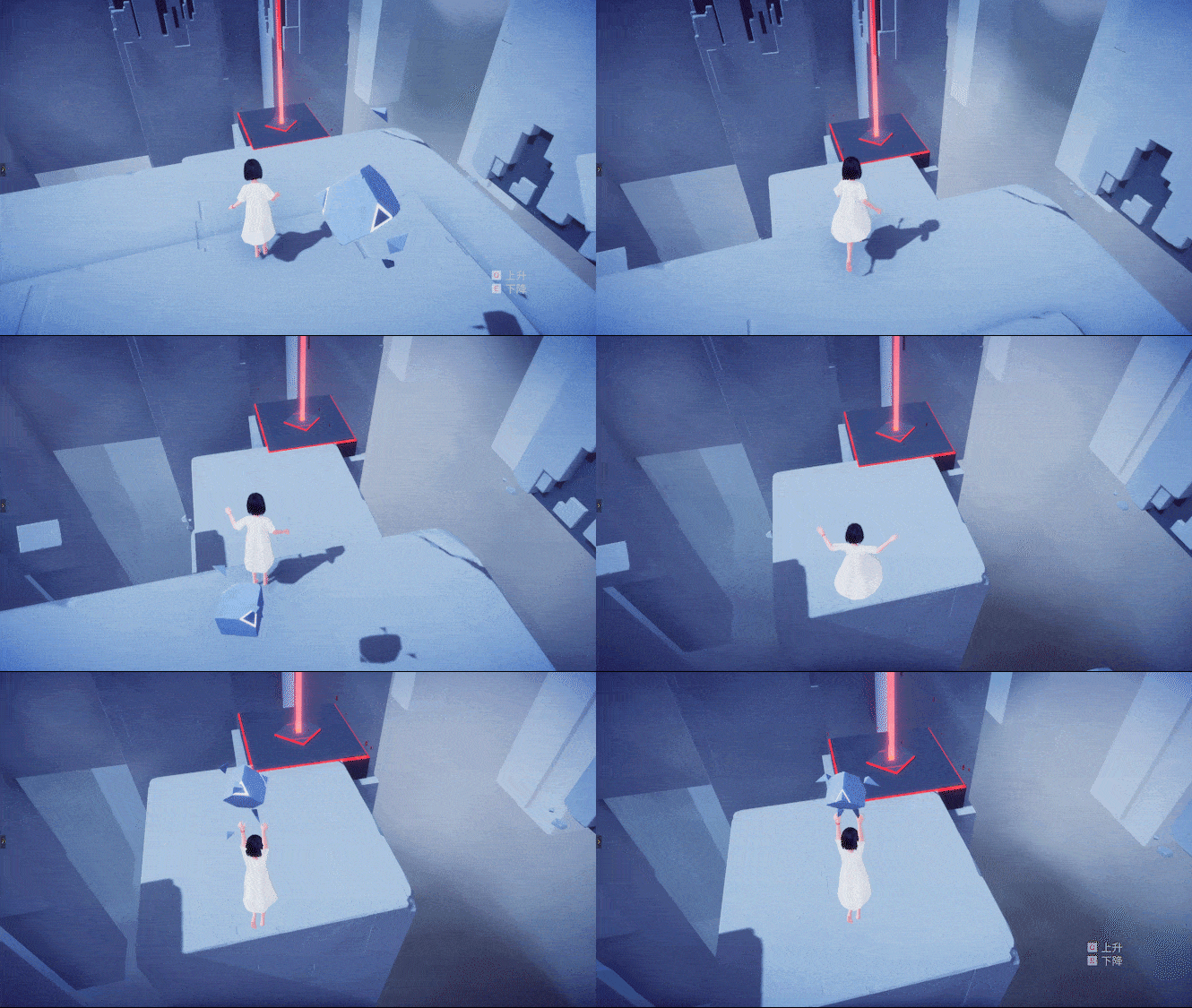
A color pallet of soothing pastels and futuristic tones designed to simulate the absurd nature of the dream world.
- Adventure
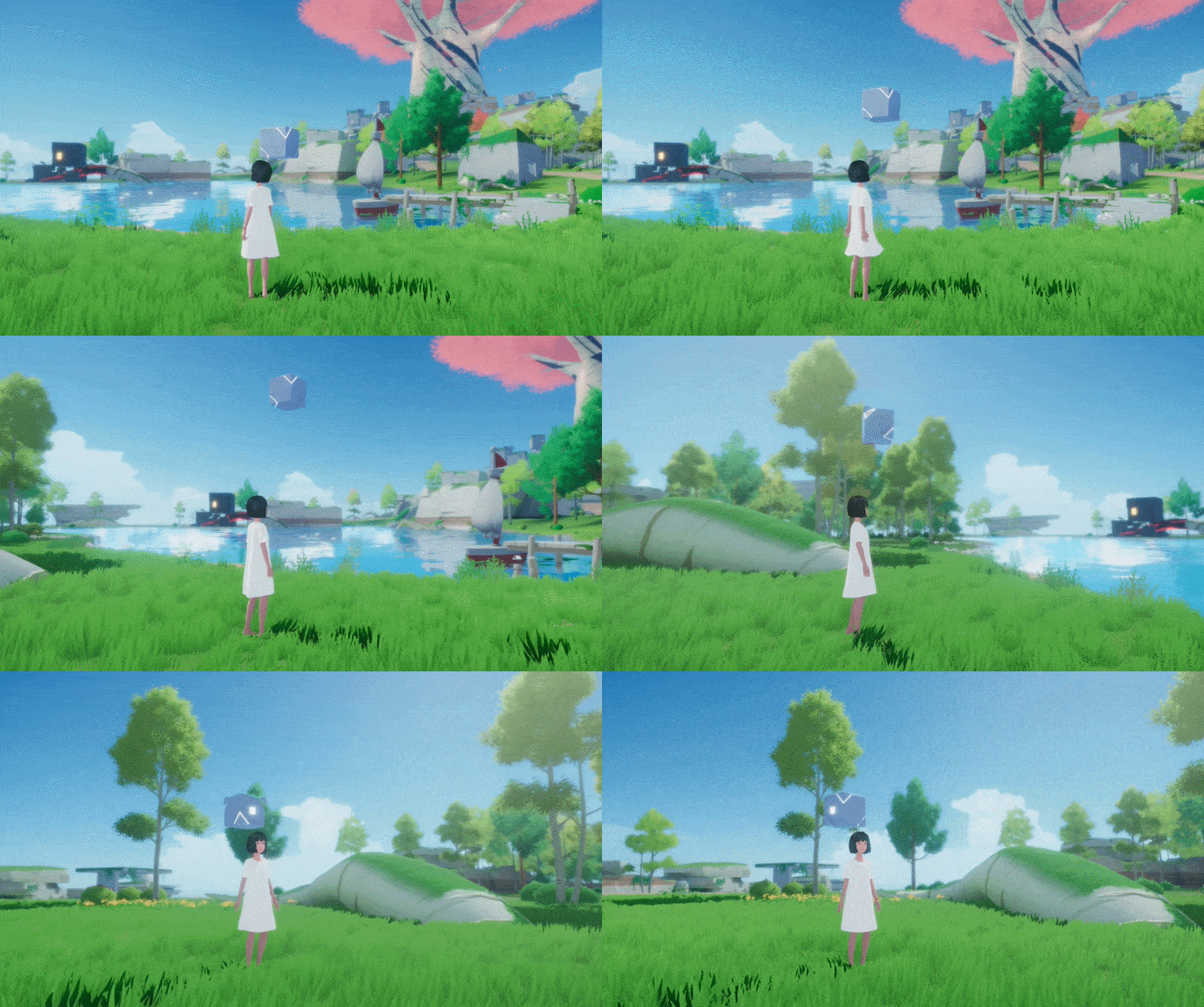
Players can collect fragments of memories in the world to unlock new areas and new puzzles.
- Mechanics
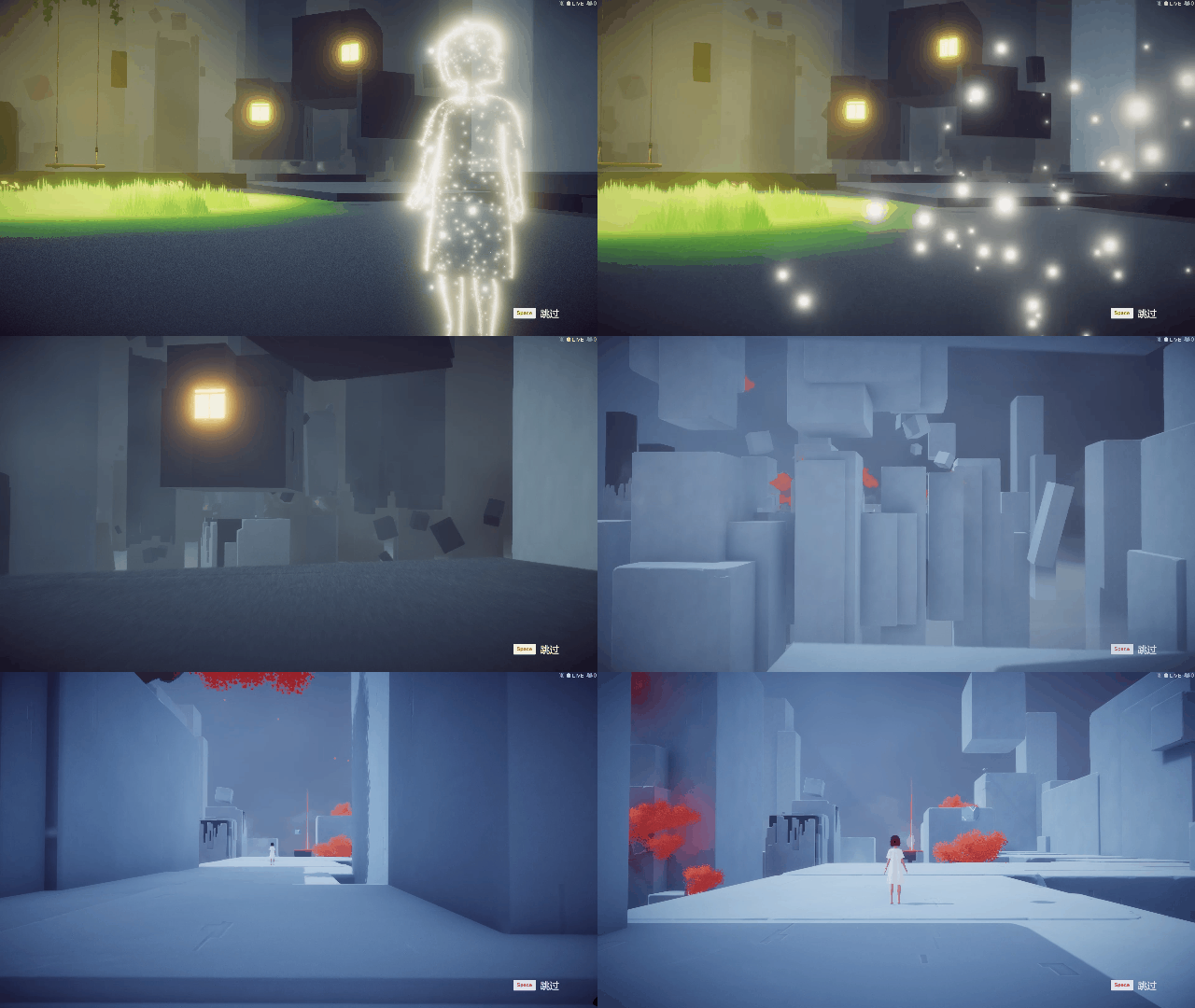
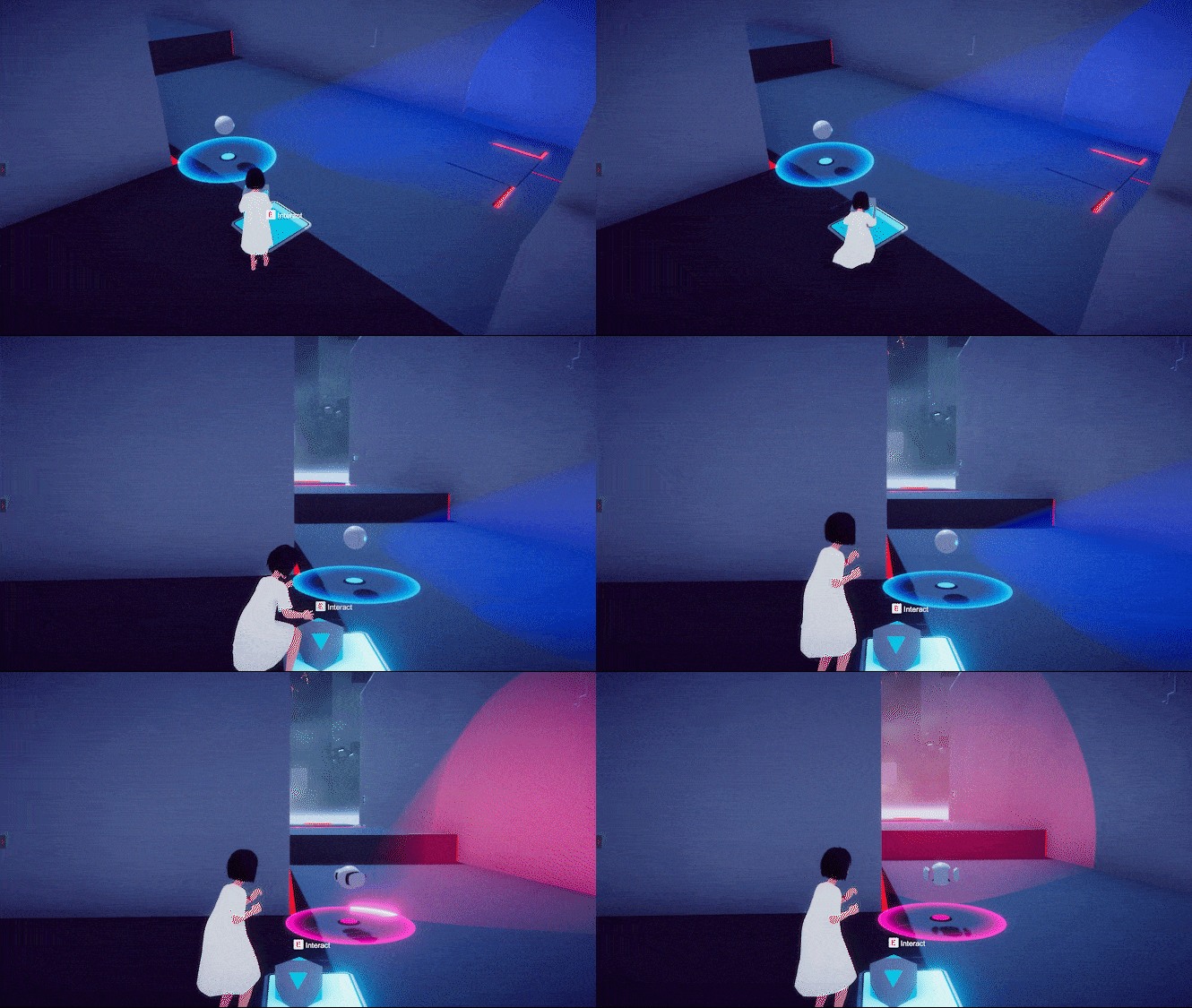
Mechanics range from simple movement and jump to teleportation and gravity control; the player must use stealth and observational skills to navigate each puzzle.
Ever Forward is developed by Pathea Games. Ever Forward and Pathea Games are trademarks or registered trademarks of Pathea Games. All rights reserved. © 2020
Вы получите на электронную почту ключ для активации в сервисе Steam. Активируйте его одним из этих способов.
Способ 1: Через приложение Steam на ПК
1. Откройте приложение Steam на своем компьютере.
В левом верхнем меню нажмите на раздел «Игры».
В выпадающем списке выберите пункт «Активировать в Steam...».
Введите полученный код активации и нажмите «Далее».
Следуйте подсказкам на экране, чтобы завершить активацию.
Всё готово! Игра появится в вашей Библиотеке, и вы сможете начать установку.
Способ 2: Через сайт Steam в браузере
Этот способ удобен, если вы совершили покупку с телефона или другого устройства.
1. Перейдите на страницу активации Steam в своем браузере:
https://store.steampowered.com/account/registerkey
Убедитесь, что вы авторизованы в своем аккаунте Steam.
Введите полученный код активации в специальное поле.
Поставьте галочку, чтобы принять «Соглашение подписчика Steam».
Нажмите кнопку «Продолжить».
Готово! Игра будет привязана к вашему аккаунту и появится в Библиотеке, когда вы в следующий раз запустите клиент Steam.
Важно: Код активируется на том аккаунте Steam, в который вы его ввели. Перенести игру на другой аккаунт будет невозможно.